About Card Wallet
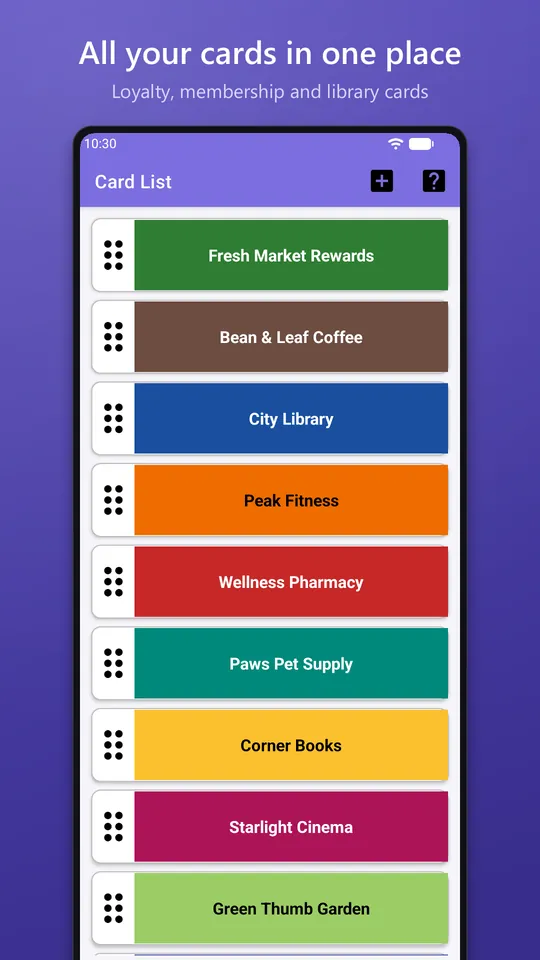
Card Wallet keeps your loyalty, membership and library cards on your phone, so you can leave the plastic at home. Add a card once; next time, open it and hold up your phone at the checkout.
At a glance
- Free, with ads
- Android 11 or newer
- Built with Java, Room DB, ZXing
- Card Wallet privacy policy
- Support:
Card Wallet screenshots
Features
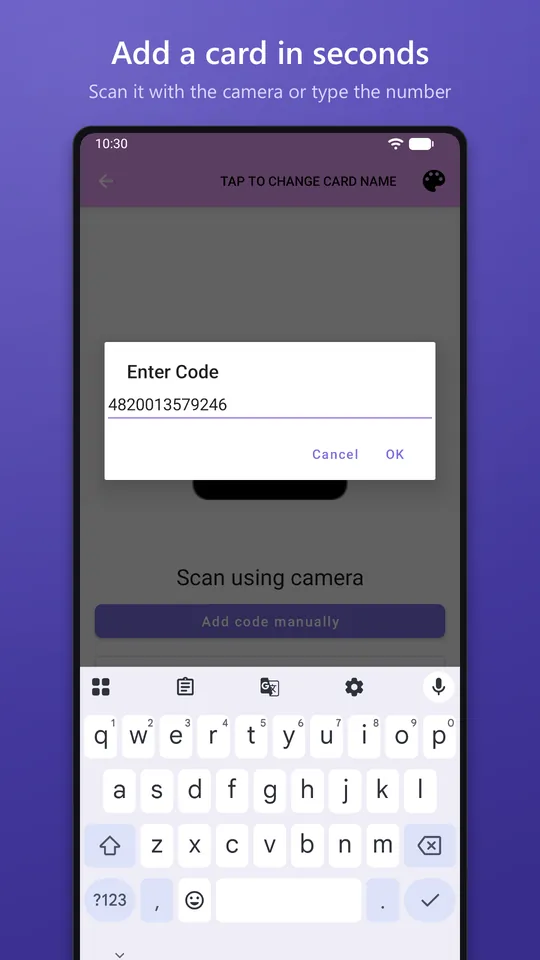
Add a card in seconds
- Scan the barcode with your camera
- Or type the number printed on the card
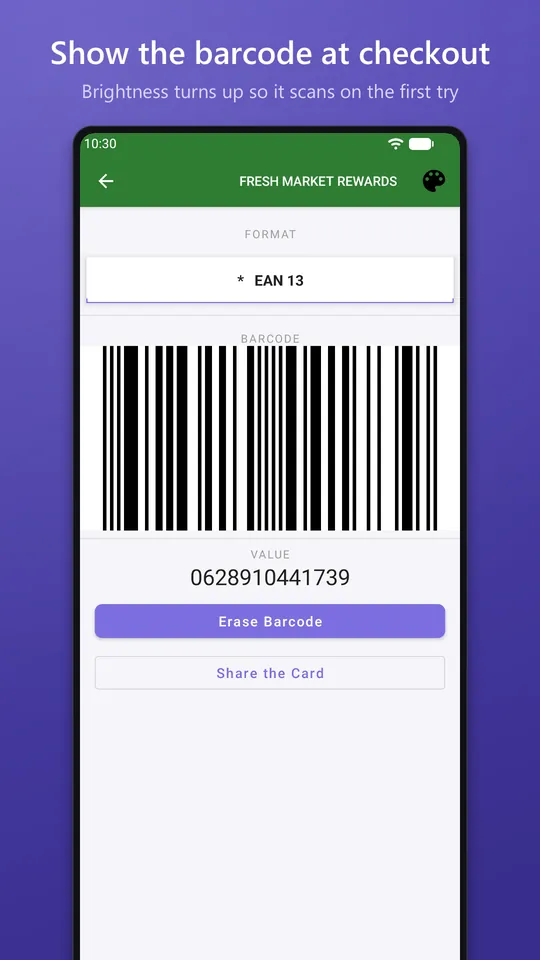
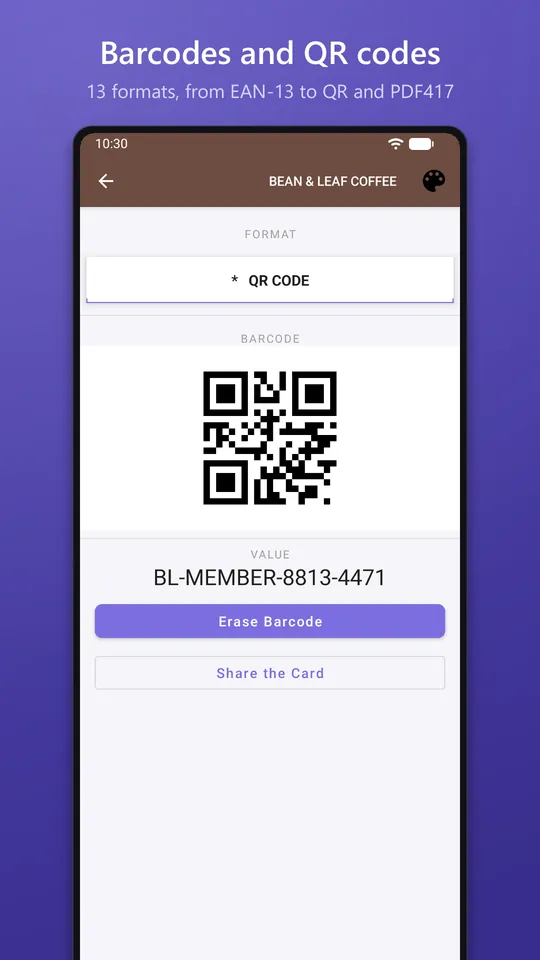
- Card Wallet works out which barcode formats fit the number and draws the barcode for you
13 barcode formats
- EAN-13, EAN-8, UPC-A, UPC-E, Code 128, Code 39, Code 93, Codabar, ITF, QR Code, PDF417, Aztec and Data Matrix
- If a scanner won't read a card, switch it to another format from the list
At the checkout
- Screen brightness turns all the way up while a card is open, so scanners read it on the first try
- Tap the barcode to copy the number
Organize your cards
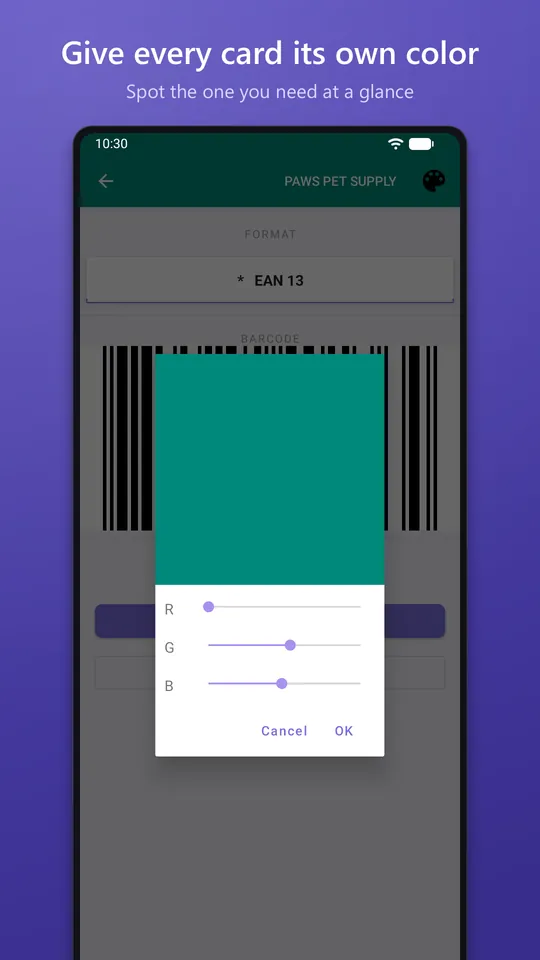
- Give every card its own colour so you can spot it at a glance
- Drag cards to put your favourites at the top
- Swipe a card away to delete it
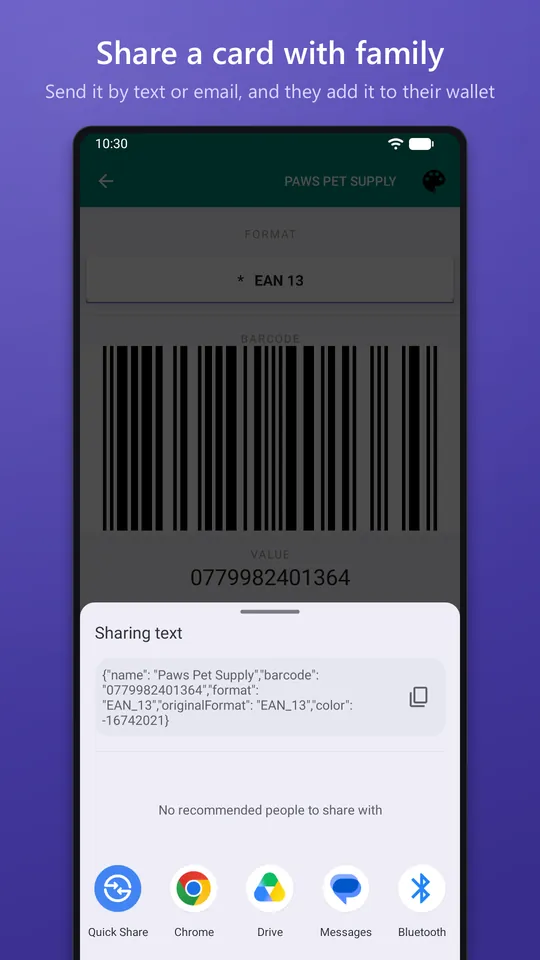
Share with family
- Send a card by text, email or any messaging app
- The other person adds it to their own Card Wallet with "Add Shared Card" and gets the same barcode, format and colour
Private by design
- No account and no sign-up
- Your cards are stored on your phone. Card Wallet has no servers
- Your cards leave the phone only when you share them, or through your phone's own Android backup
- The camera is used only to scan barcodes
Card Wallet is free and shows an ad banner at the bottom of the screen.